
 Image 1 of 1
A well-built template can do far more than save time. It can improve consistency, support standardization, and enable automation that keeps critical drawing information aligned as the technical baseline evolves.
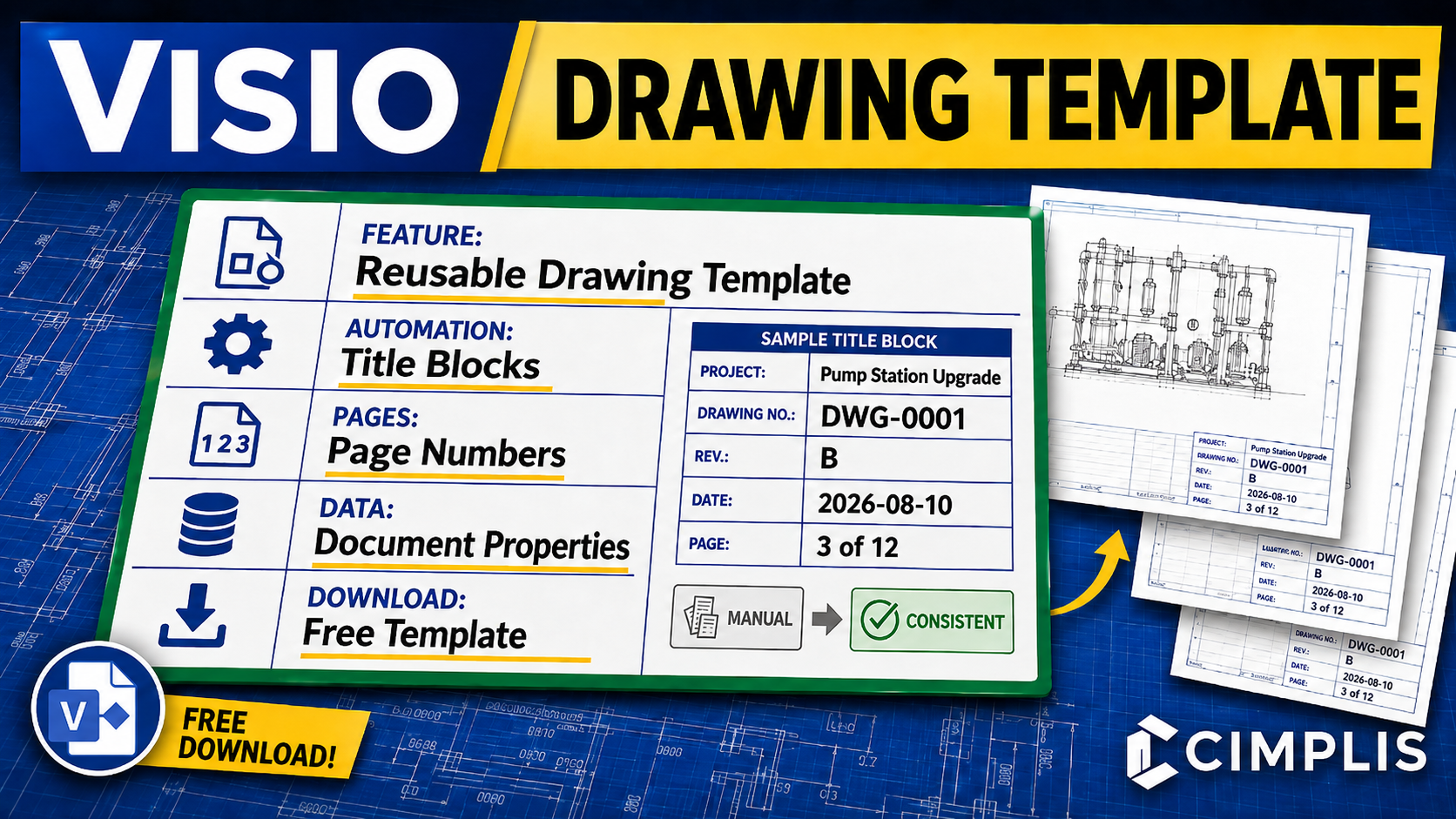
This Visio Drawing Template is designed to help key information—such as drawing numbers, page numbers, and related metadata—propagate reliably throughout the document. That structure helps reduce manual rework, improve maintainability, strengthen document control, and support a more repeatable drawing workflow.
A major part of that value comes from Visio’s Control Properties, which allow you to enter required metadata once and reuse it throughout the drawing wherever needed. When implemented correctly, this approach helps reduce repeated manual entry, improve consistency across the drawing set, and make updates easier to manage as drawings evolve.
This template also reflects a reliable and stable setup for making document properties propagate consistently throughout the drawing. The structure is built in the order that has proven to work best: first creating the title block master shapes, then linking the metadata to those master shapes, and finally applying those master shapes to the background pages. When that sequence is followed, the metadata remains dependable, reusable, and much easier to maintain.
To learn more, read the How to Create a Visio Engineering Drawing Template article or watch the Visio Drawing Template Tutorial.
A well-built template can do far more than save time. It can improve consistency, support standardization, and enable automation that keeps critical drawing information aligned as the technical baseline evolves.
This Visio Drawing Template is designed to help key information—such as drawing numbers, page numbers, and related metadata—propagate reliably throughout the document. That structure helps reduce manual rework, improve maintainability, strengthen document control, and support a more repeatable drawing workflow.
A major part of that value comes from Visio’s Control Properties, which allow you to enter required metadata once and reuse it throughout the drawing wherever needed. When implemented correctly, this approach helps reduce repeated manual entry, improve consistency across the drawing set, and make updates easier to manage as drawings evolve.
This template also reflects a reliable and stable setup for making document properties propagate consistently throughout the drawing. The structure is built in the order that has proven to work best: first creating the title block master shapes, then linking the metadata to those master shapes, and finally applying those master shapes to the background pages. When that sequence is followed, the metadata remains dependable, reusable, and much easier to maintain.
To learn more, read the How to Create a Visio Engineering Drawing Template article or watch the Visio Drawing Template Tutorial.