
 Image 1 of 1
Reusable shapes and stencils are fundamental to building consistent and maintainable engineering drawings in Visio. Knowing which built-in stencils are available, what types of shapes they contain, and where to find them can make it easier to select the right graphical elements for a particular engineering application.
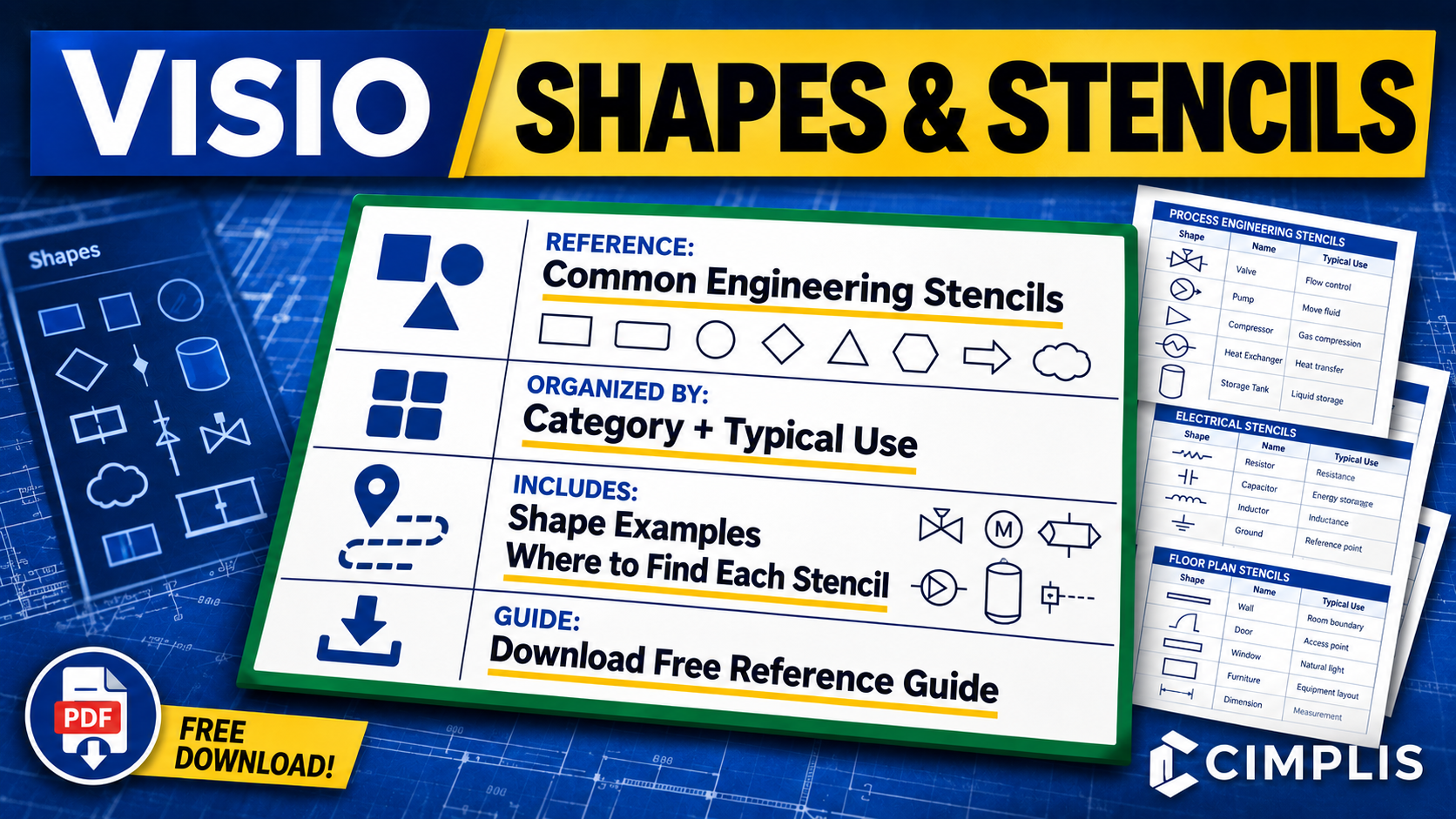
This Visio Shapes and Stencils Reference Guide brings together commonly useful Visio stencils for engineering, including general diagramming, process and workflow, systems and network architecture, electrical and electronic diagrams, facility and physical layouts, and other supporting engineering applications. The stencils are grouped into categories to make the reference easier to navigate and use while working in Visio.
For each stencil, the reference identifies its typical engineering use, shows examples of the available shapes, and provides the navigation path in Visio so the stencil can be located quickly. Examples include Basic Shapes, Blocks, Arrow Shapes, Connectors, Basic Flowchart Shapes, Network and Peripherals, Rack-Mounted Equipment, Fundamental Items, Analog and Digital Logic, Switches and Relays, and facility layout stencils.
The guide is intended to help engineers identify useful built-in Visio resources before creating or standardizing their own reusable shapes and stencils. Built-in shapes can provide a starting point, while custom master shapes and stencils can be used when drawings require standardized, reusable representations tailored to a particular engineering application.
To learn more, read the How to Create Reusable Shapes and Stencils in Visio article or watch the Reusable Visio Shapes and Stencils Tutorial.
Reusable shapes and stencils are fundamental to building consistent and maintainable engineering drawings in Visio. Knowing which built-in stencils are available, what types of shapes they contain, and where to find them can make it easier to select the right graphical elements for a particular engineering application.
This Visio Shapes and Stencils Reference Guide brings together commonly useful Visio stencils for engineering, including general diagramming, process and workflow, systems and network architecture, electrical and electronic diagrams, facility and physical layouts, and other supporting engineering applications. The stencils are grouped into categories to make the reference easier to navigate and use while working in Visio.
For each stencil, the reference identifies its typical engineering use, shows examples of the available shapes, and provides the navigation path in Visio so the stencil can be located quickly. Examples include Basic Shapes, Blocks, Arrow Shapes, Connectors, Basic Flowchart Shapes, Network and Peripherals, Rack-Mounted Equipment, Fundamental Items, Analog and Digital Logic, Switches and Relays, and facility layout stencils.
The guide is intended to help engineers identify useful built-in Visio resources before creating or standardizing their own reusable shapes and stencils. Built-in shapes can provide a starting point, while custom master shapes and stencils can be used when drawings require standardized, reusable representations tailored to a particular engineering application.
To learn more, read the How to Create Reusable Shapes and Stencils in Visio article or watch the Reusable Visio Shapes and Stencils Tutorial.